
Original
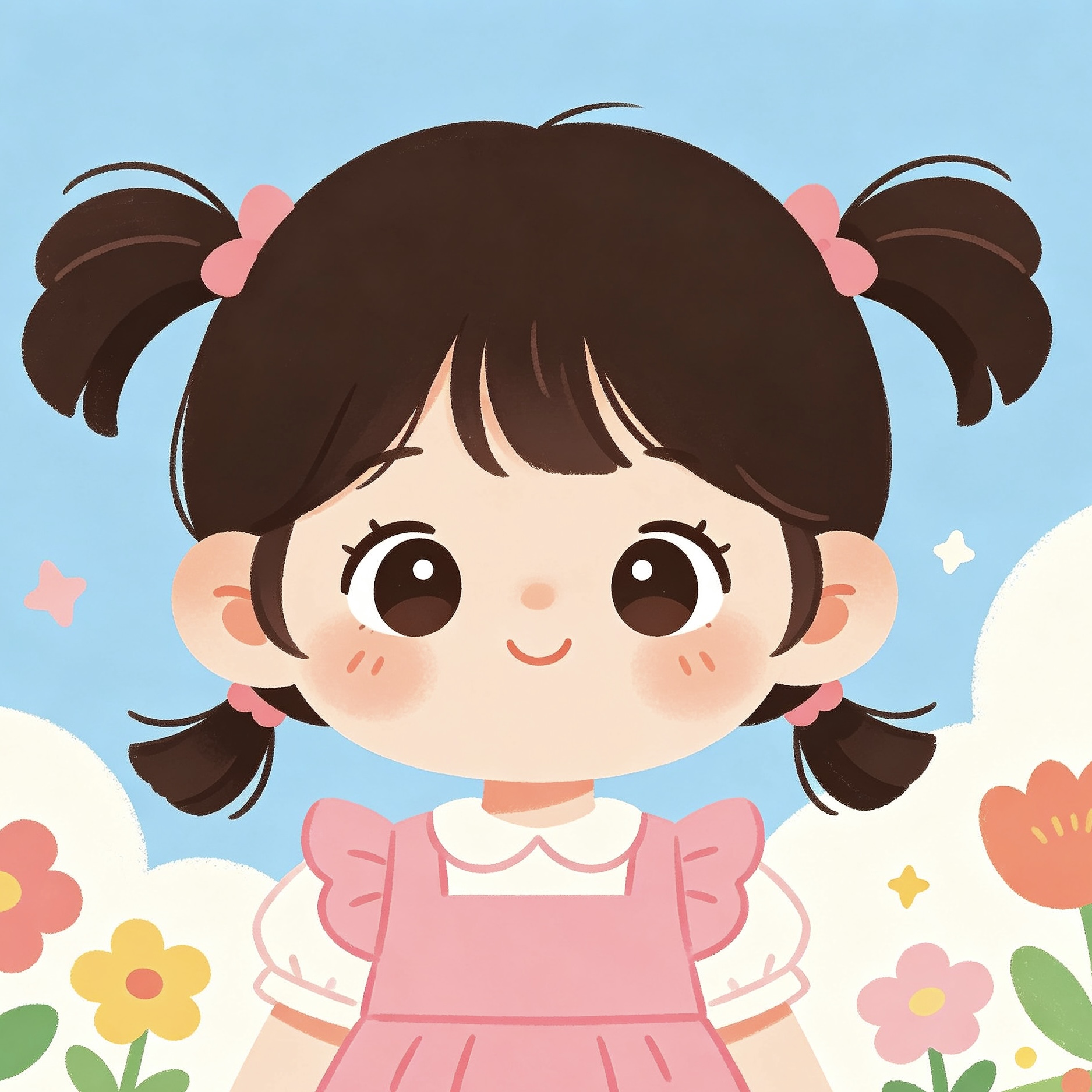
Bead-style preview
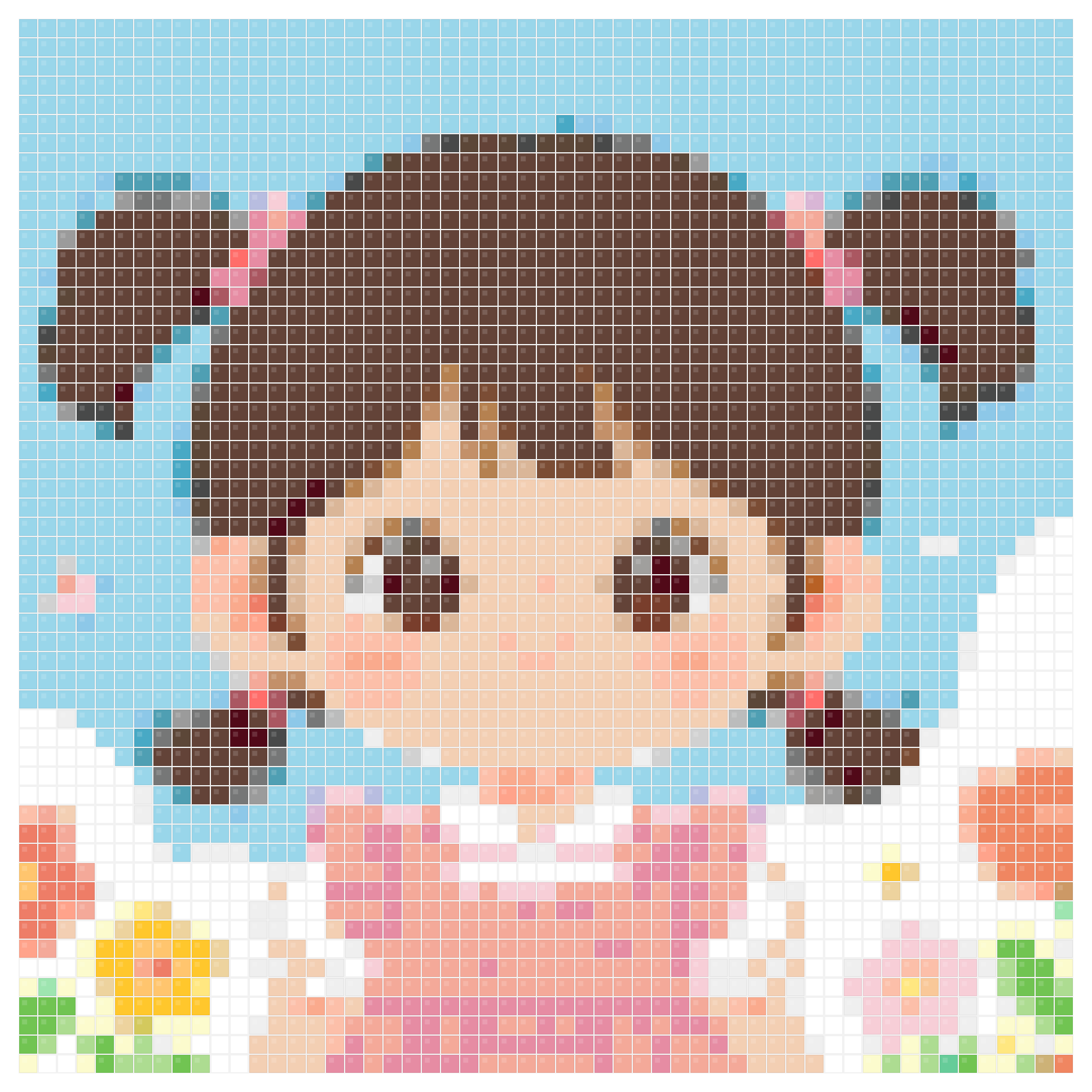
Editable portrait pattern
A clean illustration is a strong starting point for controlling colors, outlines, and grid size in the maker.
- Grid: 54 x 54
- Colors: 46
- Beads: 2,916
- Palette: MARD 221
Pattern maker
Create and edit Perler bead patterns online without installing software. Use the pattern maker to control grid size, bead palettes, background cleanup, color counts, and printable output.
No signup required, free to download. Upload your own photo or try with our sample images!
Browse the free printable perler bead pattern gallery for beginner ideas, seasonal designs, and finished examples.
Pattern examples
Use these examples to compare how different sources behave after you tune grid size, palette, background, and export settings in the pattern maker.
A clean illustration is a strong starting point for controlling colors, outlines, and grid size in the maker.
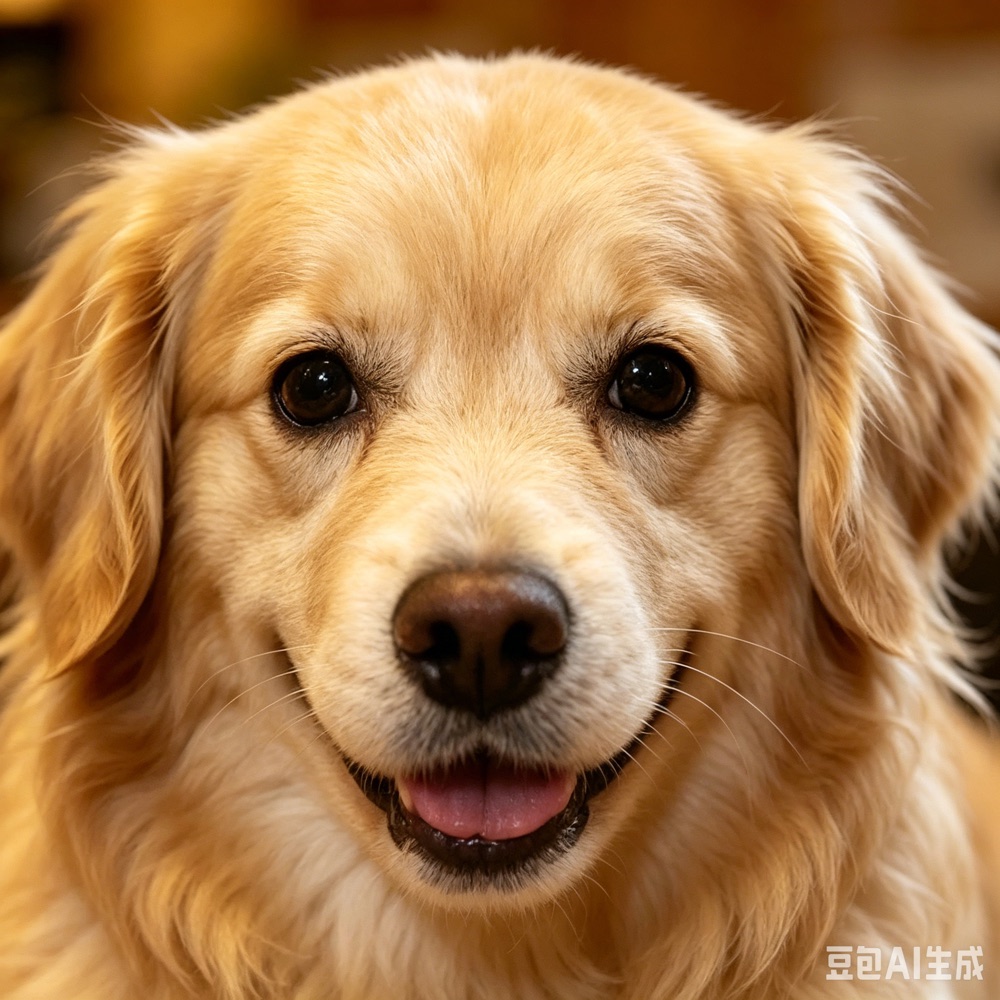

Use the maker to refine a generated pet pattern after choosing a practical grid and palette.
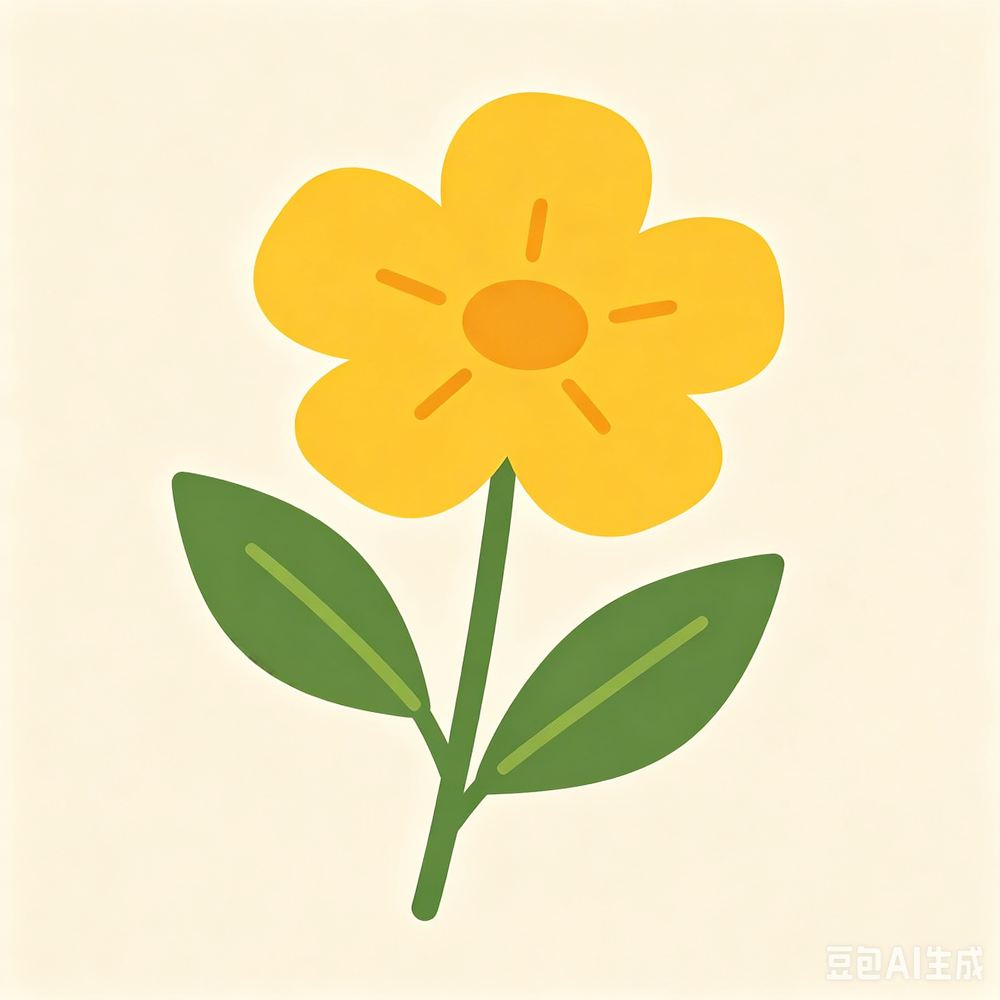
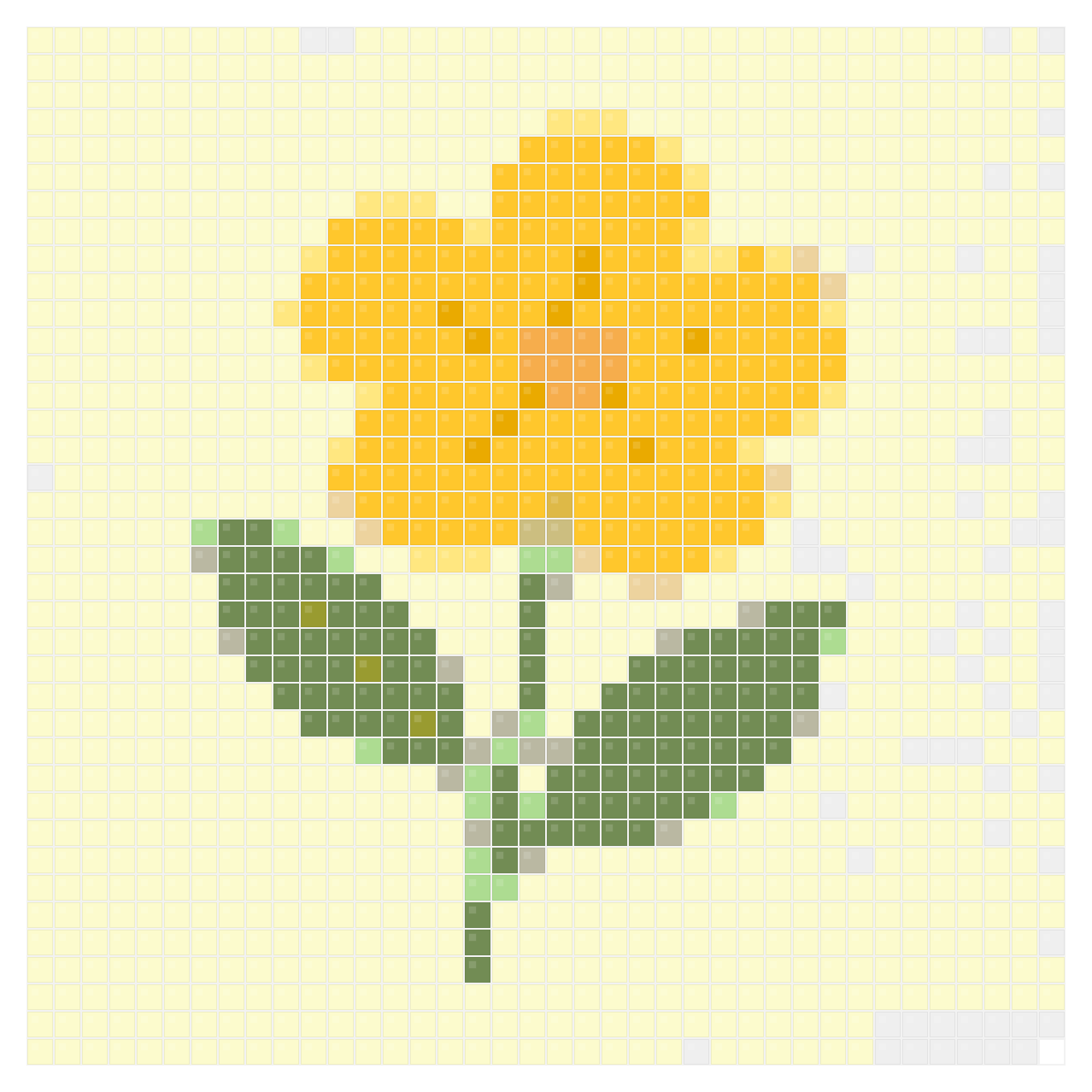
Simple icons are useful for testing grid width, beginner palettes, and fast printable patterns.
Why use it
Use the maker when you are planning an actual craft session and need more control than a quick generator gives you. It is the best fit for adjusting grid width, testing Perler, Hama, Artkal, or MARD palettes, cleaning simple backgrounds, checking color counts, and preparing the final printable reference.
Upload an image, open a gallery example, or start from a simple reference. The maker is useful after you already have a direction and want to shape it into a craft-ready bead pattern.
Set the grid width, choose a real bead palette, toggle background removal, and compare the generated colors before deciding which version is easiest to build.
Use the color list, bead counts, and printable PNG output to plan materials before placing beads on the pegboard.
Why use it
A useful Perler bead pattern maker should help you control the build, not just convert an image once. Use it to choose grid width, test palettes, clean simple backgrounds, and check bead counts before you start placing beads.
Make smaller, clearer patterns by reducing detail, lowering the grid size, and keeping the color count manageable.
Tune pixel-style references, icons, and simple illustrations into printable Perler bead patterns while preserving outlines and recognizable shapes.
Check bead counts and palette choices before buying, sorting, or committing to a large pattern.
The maker is the control center. These nearby pages help when your project starts from a photo, needs a quick generated draft, or needs example patterns.
Start here if your main goal is turning a portrait, pet photo, logo, or finished image into a printable bead pattern.
Generate a quick bead grid from an image, then return to the maker when you need closer editing control.
Use this guide if your project uses Hama beads, fuse beads, or iron beads instead of the Perler brand name.
You can adjust the grid width, choose a bead palette, remove simple backgrounds, compare color counts, and download a printable pattern with bead labels and material counts.
Yes. Many people search for a pattern maker, pattern creator, or design maker when they want the same workflow: upload an image, shape it into a bead grid, refine colors, and prepare a printable pattern.
Yes. After editing the grid and palette, you can export a printable Perler bead pattern with color labels and bead counts for your craft table.
Use smaller grids for quick beginner projects and larger grids for portraits, sprites, or detailed artwork. A higher grid width preserves more detail but requires more beads and more sorting.
Yes. After editing the grid and palette, you can download a printable PNG pattern designed for craft-table reference.
A generator is best for quick image-to-grid drafts. A maker is better when you want to control the final pattern, test palettes, simplify backgrounds, and prepare a printable pattern.
Beginners usually get better results with fewer colors and a clear image. A smaller color set is easier to sort before moving into full brand palettes.
Yes. The maker supports real brand-aware palette options, including Perler, Hama, Artkal, MARD, Nabbi, IKEA PYSSLA, and universal starter kits for fuse bead projects.
Open the free pattern maker, tune the grid and palette, then download a printable Perler bead pattern with color labels and bead counts.
No signup required, free to download. Upload your own photo or try with our sample images!