
Original
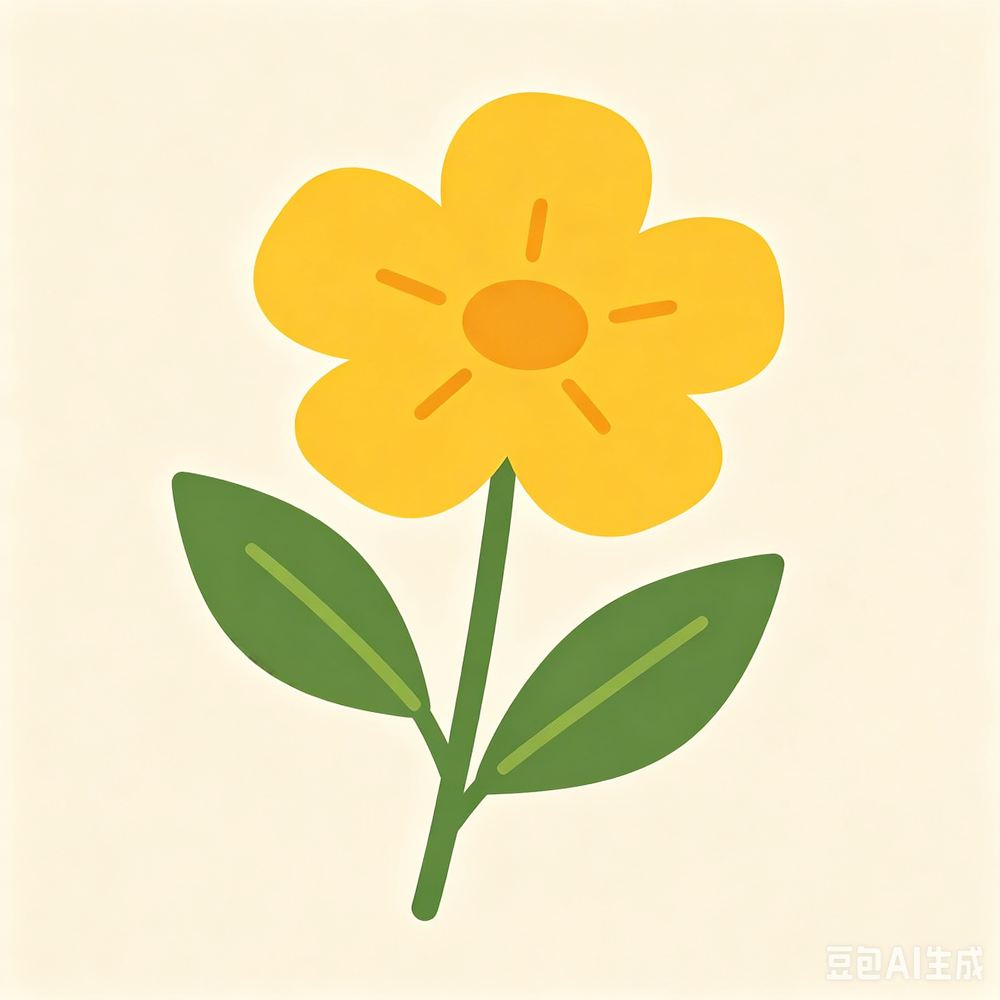
Bead-style preview
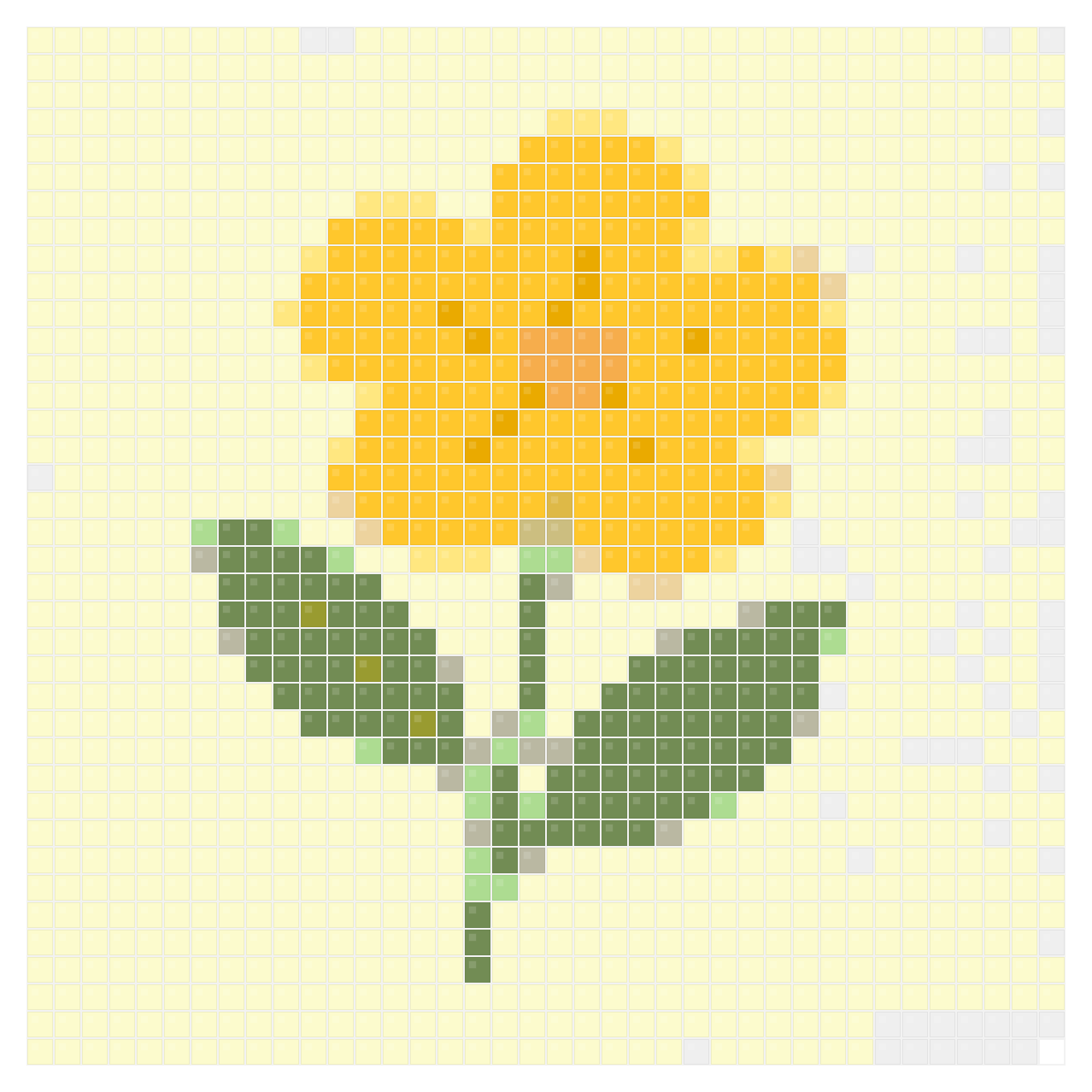
Fast icon draft
Icon-style images are good generator tests because the shape is easy to judge at small grid sizes.
- Grid: 37 x 37
- Colors: 14
- Beads: 1,369
- Palette: MARD 221
Pattern generator
Generate a Perler bead grid from an image in seconds. Use this bead pattern generator to test ideas quickly, compare real bead palettes, and decide whether an image is worth refining into a printable pattern.
No signup required, free to download. Upload your own photo or try with our sample images!
Browse the free printable perler bead pattern gallery for beginner ideas, seasonal designs, and finished examples.
Generated drafts
A generator is most useful when you can compare several source types quickly and decide which one deserves more editing time.
Icon-style images are good generator tests because the shape is easy to judge at small grid sizes.
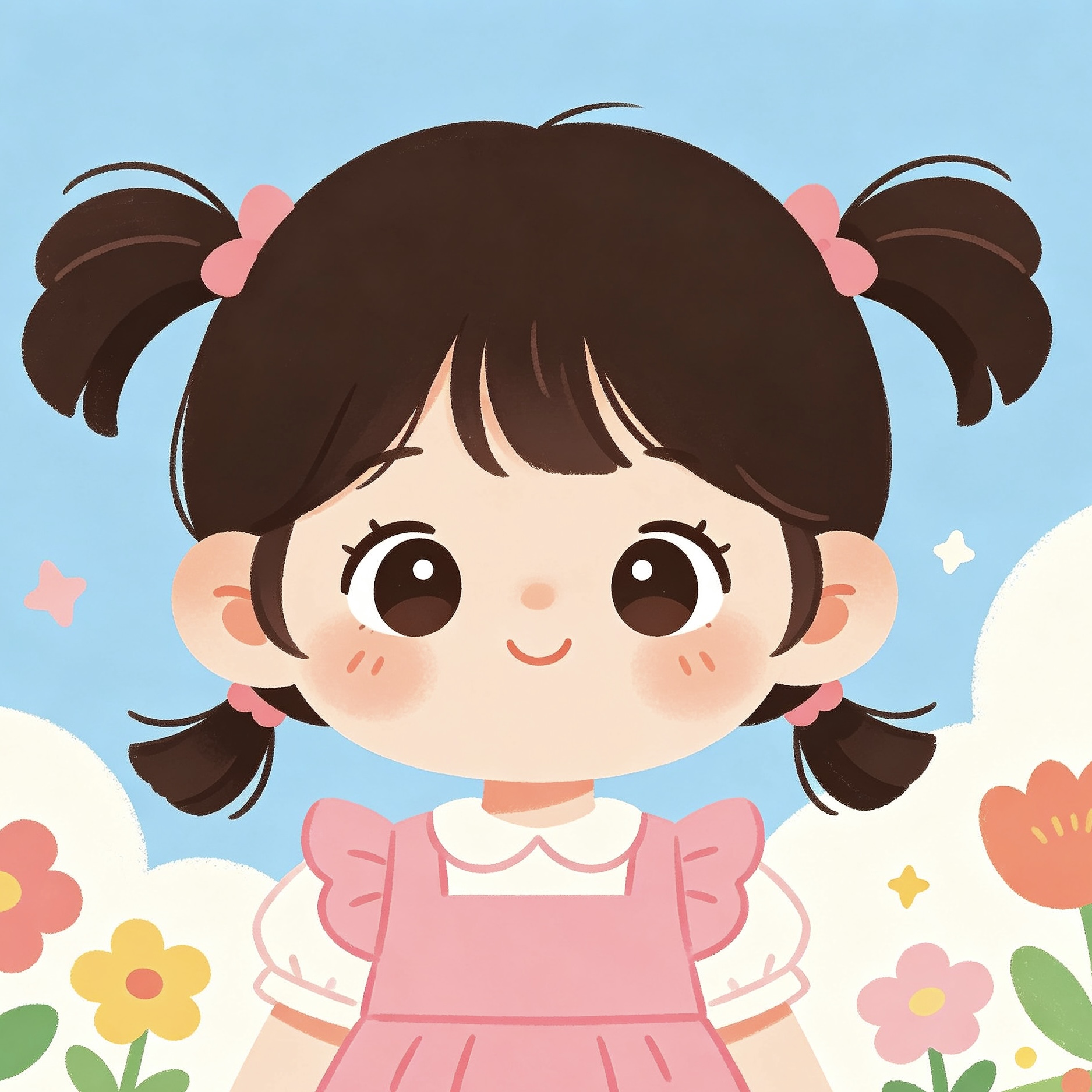
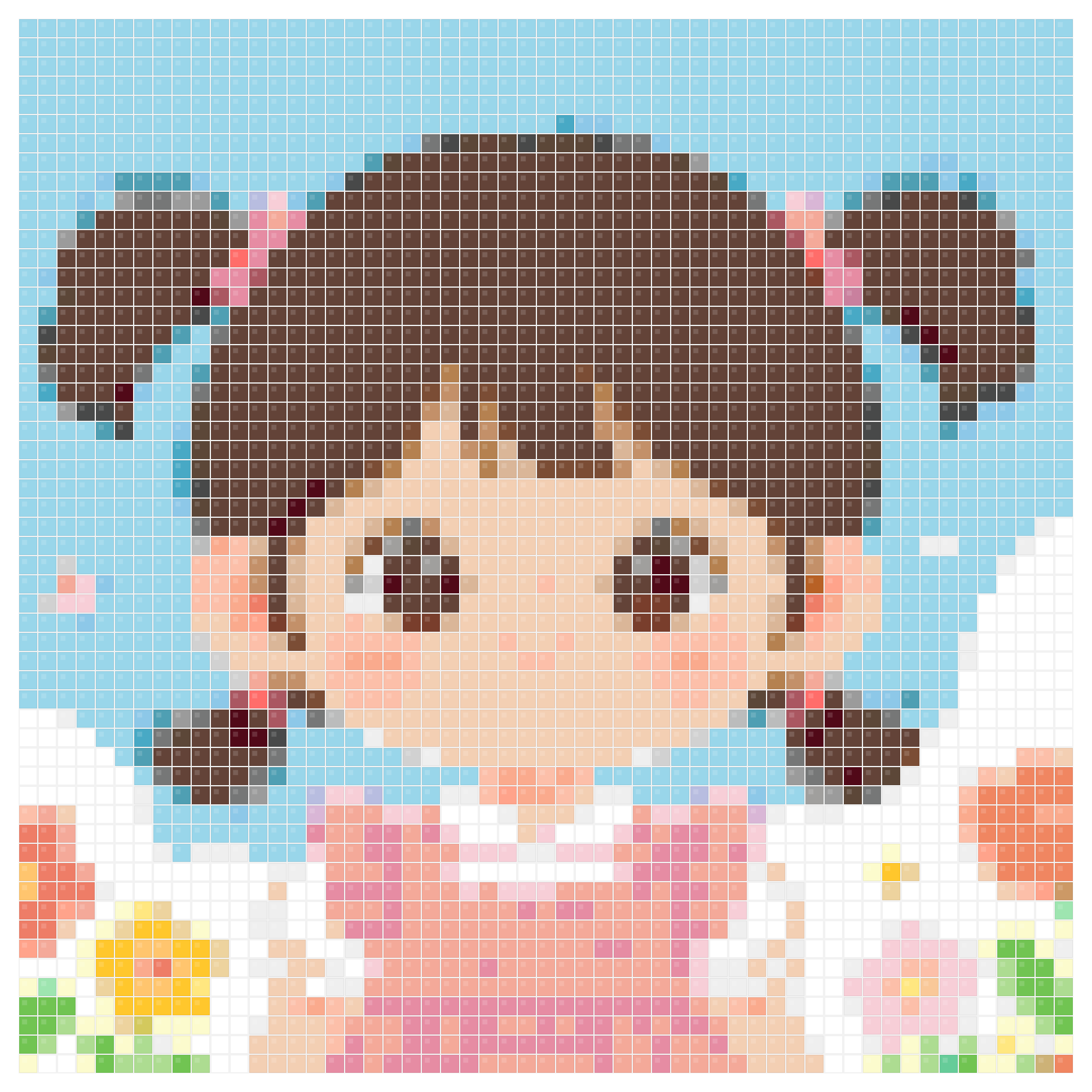
Illustrations make it easy to see whether a generated outline stays readable before editing.
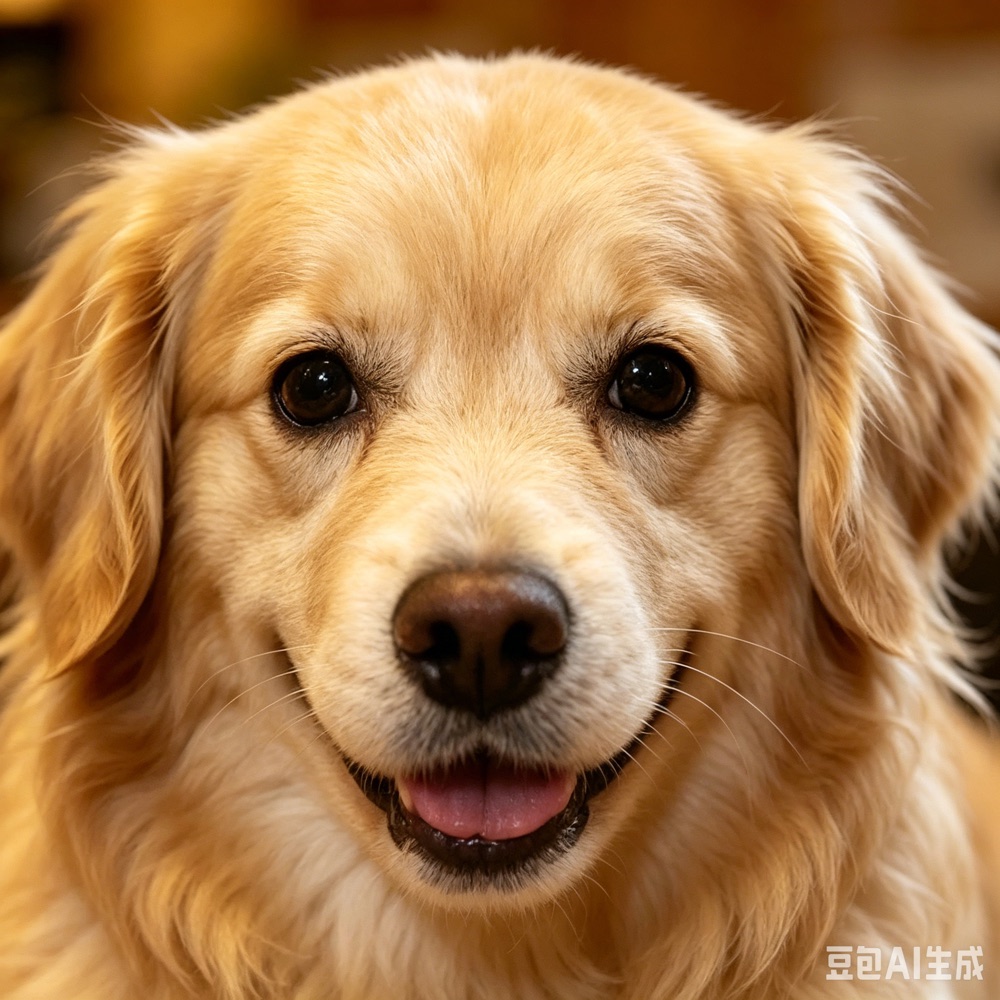

Photo drafts help you decide whether a subject needs cropping, a cleaner background, or a larger grid.
Why use it
Use the generator when speed matters more than detailed editing. It is best for trying several images, creating a first Perler bead grid, checking whether the subject stays recognizable, and comparing palettes before you move into the pattern maker.
Choose a photo, icon, sprite, or simple illustration. The generator works best when you want to test the idea before spending time on detailed pattern editing.
The tool samples the image into a grid and maps each cell to the nearest color in your selected bead palette, giving you a fast preview of the final direction.
If the draft looks promising, move into the maker for tighter grid, background, palette, and printable output control. If it looks messy, try a simpler image.
Why use it
A bead pattern generator is most useful at the beginning of a project. It gives you a fast image-to-bead-grid draft, shows approximate colors and bead counts, and helps you decide whether to keep refining the idea or choose a simpler source image.
Quickly test several images and keep only the ones that still read clearly as bead art.
Estimate approximate grid dimensions, color count, and bead requirements before starting a more detailed project.
Switch between Perler, Hama, Artkal, and MARD palettes to see which one gives the cleanest first draft.
The generator is strongest at quick drafts. These related pages help when you need photo-specific conversion, deeper editing, or build examples.
Use this if the source is a real photo and you care most about preserving a subject like a face, pet, flower, or logo.
Use the maker after a generated draft looks promising and you need more control over grid, palette, background, and export.
Use this guide when you want a Hama-friendly or generic fuse bead workflow after generating a first grid.
It samples your image into a bead grid, then matches each cell to the closest available color in the selected real bead palette. The result is a fast draft you can judge before deeper editing.
Yes. Upload an image and the generator turns it into a Perler bead grid with matched colors, approximate bead counts, and a printable draft you can refine later.
It works best for quick image-to-grid drafts. If you want more control over background cleanup, palette choices, and final output, continue in the pattern maker after the draft looks good.
Bead art has fewer pixels and fewer physical colors than a photo. Increasing grid size or choosing a fuller palette can make the generated pattern closer to the original.
Use the generator when you want a quick image-to-grid test. Use the maker when the draft already looks promising and you want more control over grid size, palette, background cleanup, and printable output.
Choose a smaller starter palette or beginner kit, then regenerate the pattern. This can lower material cost and make the final project easier to build.
Perler and Hama work well for common midi projects, while Artkal and MARD give more color range for portraits, gradients, and detailed image conversions.
Start with a simple image, keep the grid small, use fewer colors, and avoid detailed backgrounds. If the first generated draft is hard to recognize, choose a cleaner source image.
Open the free generator, upload an image, and see whether it works as a Perler bead grid before you spend time editing.
No signup required, free to download. Upload your own photo or try with our sample images!