
Original
Bead-style preview

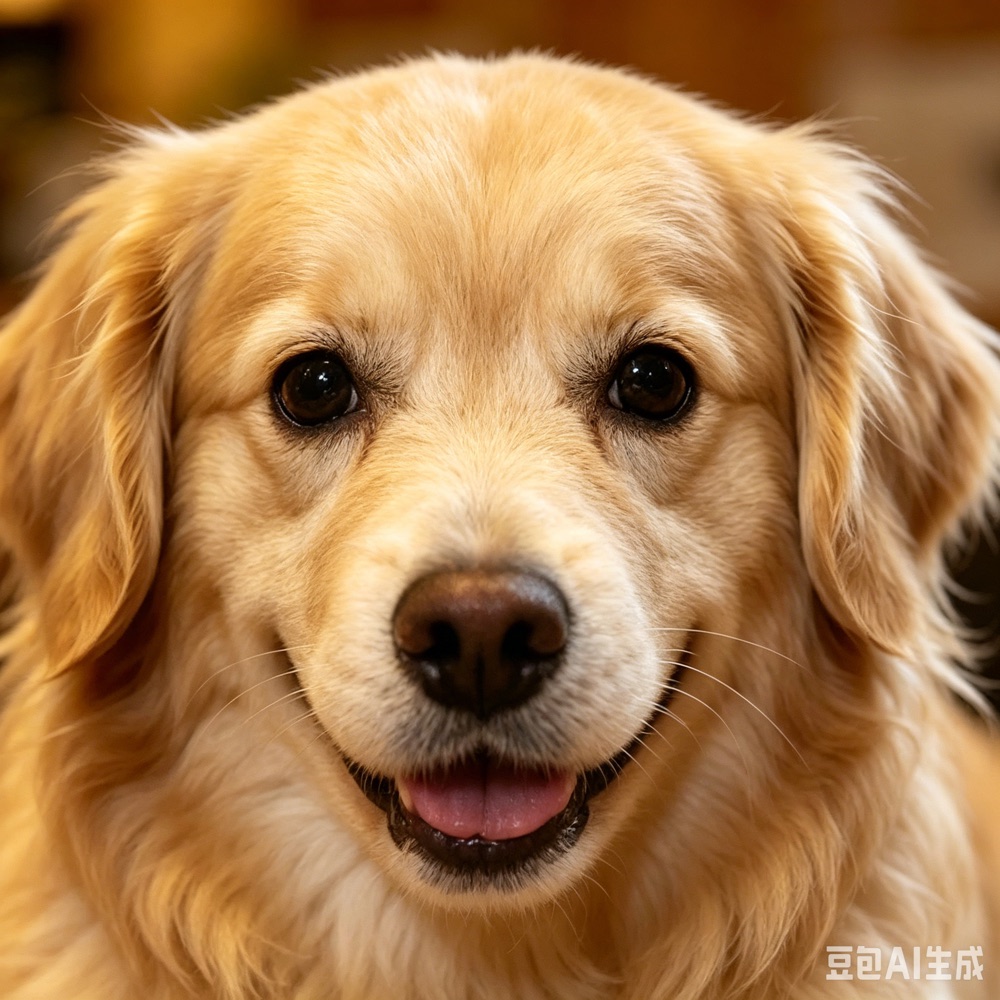
Pet photo pattern
Best for testing how a real subject, fur, and lighting translate into a printable Perler bead pattern.
- Grid: 40 x 40
- Colors: 31
- Beads: 1,600
- Palette: MARD 221
Photo converter
Upload a photo or image and turn it into a printable Perler bead pattern or fuse bead template with color matching, bead counts, and adjustable grid size.
Free to use, no signup required. Upload your own photo or try one of the sample images.
Browse the free printable perler bead pattern gallery for beginner ideas, seasonal designs, and finished examples.
Real examples
These examples show the kinds of source images that work well before you open the converter: a pet photo, a clean character-style illustration, and a simple flower icon that can become a small or mini Perler bead pattern.
Best for testing how a real subject, fur, and lighting translate into a printable Perler bead pattern.
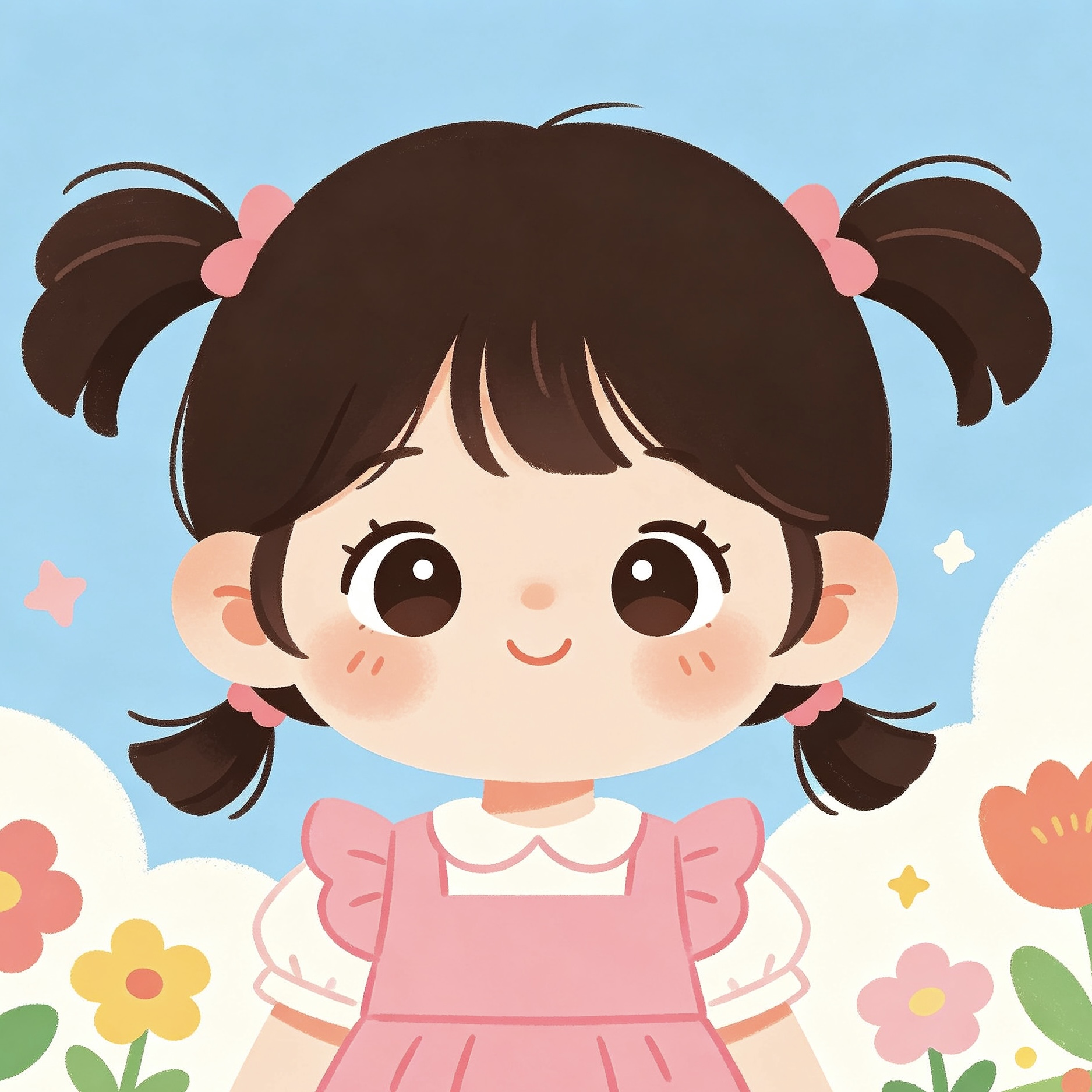
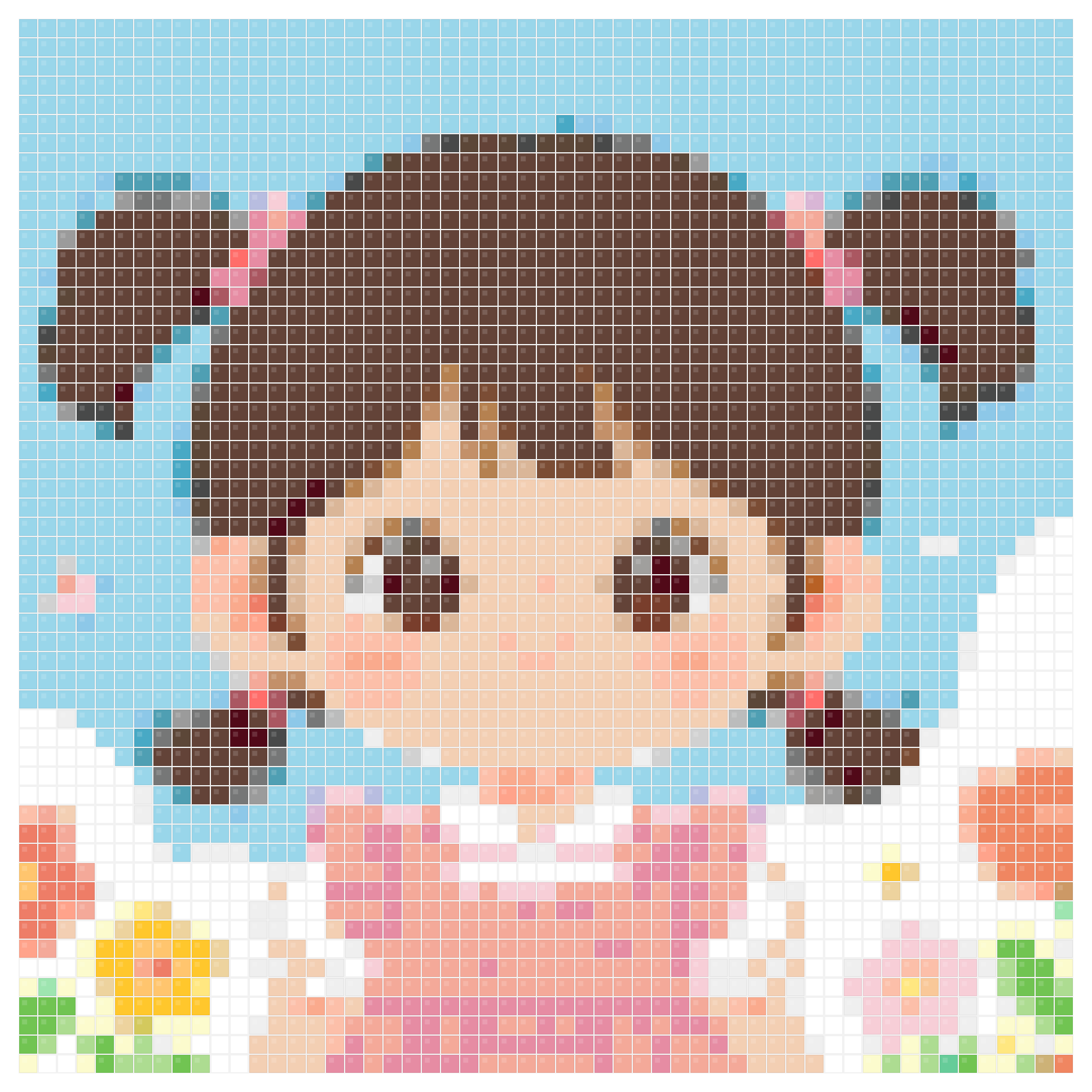
Clear outlines and flat colors usually make the cleanest printable fuse bead patterns.
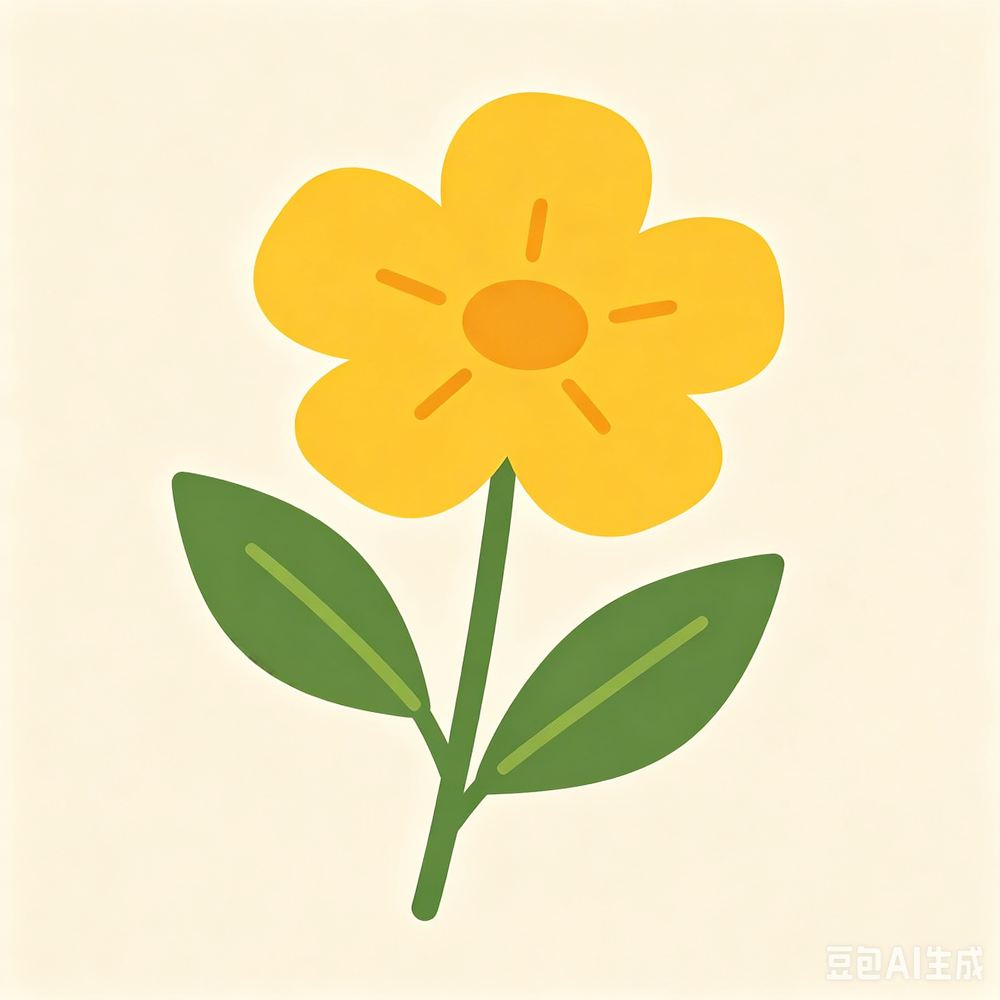
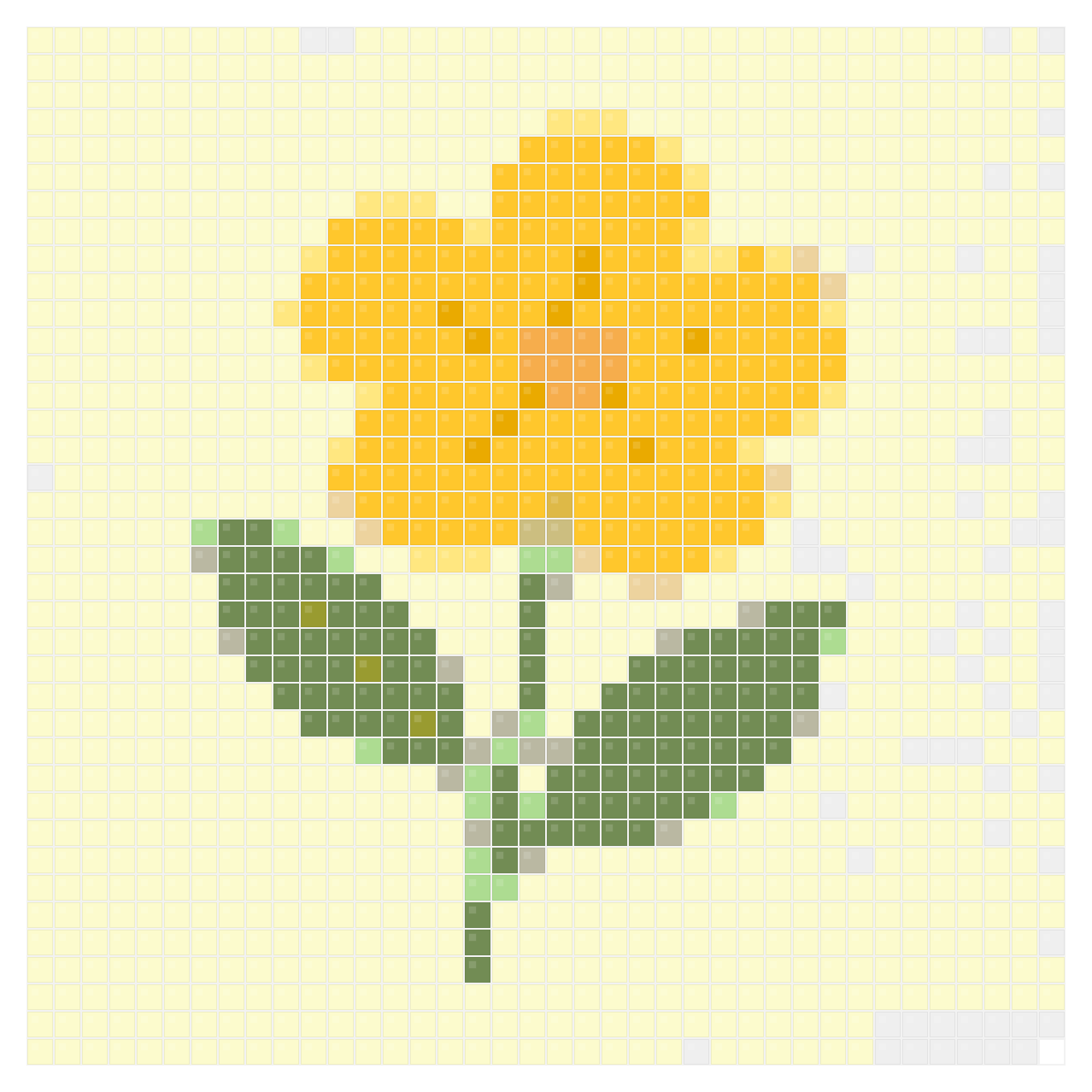
Simple shapes help beginners compare palettes and make small Perler bead patterns quickly.
Why use it
Use this converter when the starting point is a real photo, pet portrait, face, flower, logo, or finished artwork. It is the best page for image to Perler beads searches because it reduces photographic detail into a buildable bead grid while keeping the main subject recognizable, so the result feels closer to a craft pattern than a random pixel filter.
Start with a portrait, pet photo, flower, logo, or simple illustration. A clear subject, bright lighting, and a simple background usually create the cleanest image to Perler beads result.
Pick a practical palette such as Perler, Hama, Artkal, or MARD, then set the grid width. Smaller grids work well for easy Perler bead patterns; larger grids preserve more detail for portraits.
Preview the converted bead grid, check the color count, and download a printable PNG pattern sheet with color IDs and bead counts.
Why use it
A good image to Perler beads workflow needs more than a pixelated preview. This page helps you turn a real image into a readable bead grid, practical color choices, and a material count you can use at the craft table.
Turn pet photos, portraits, family pictures, or favorite objects into free Perler bead patterns for handmade gifts and keepsakes.
Crop close, lower the grid size, and use fewer colors to make small Perler bead patterns that beginners can finish without sorting too many beads.
Use the printable pattern and bead statistics to plan colors before buying, sorting, or placing beads on a pegboard.
Use the converter for photo-first projects, then move to the maker or generator when you want more control over the final grid.
Use the maker when you want deeper editing control over grid size, palette, background removal, and printable output.
Use the generator for fast image-to-grid drafts and quick palette comparisons before committing to a project.
Browse finished examples and free Perler bead pattern ideas if you want a starting point before uploading your own photo.
Use the flower-specific page when your source image is a tulip, rose, sunflower, daisy, or bouquet photo.
Another way to make it
The same image can become a different kind of handmade project. PhotoToPattern turns photos into printable cross-stitch charts with DMC colors, symbols, finished-size estimates, and a material list.
Yes. Upload a JPG, PNG, WebP, or iPhone HEIC photo, choose a real bead palette, adjust the grid size, and download a printable pattern preview for free.
Upload the image, choose a bead palette, set the grid width, and let the converter map the image colors to real bead colors. You can then download a printable Perler bead pattern with color labels and bead counts.
Yes. It is built for image-to-pattern conversion, including photos, icons, logos, pet portraits, and simple artwork that you want to recreate with Perler or other fuse beads.
Clear photos with one main subject, strong contrast, and a simple background convert best. Pet portraits, close-up faces, flowers, icons, and bright illustrations usually work better than dark group photos.
For small or mini Perler bead patterns, start with a lower grid width and a simple subject. If the result loses important details, increase the grid size before printing.
Yes. After converting the photo, you can download a printable PNG pattern sheet with the bead grid, color labels, and material counts.
This page is focused on photo-to-pattern conversion. The Perler bead pattern maker is better when you want deeper control over editing, palette testing, background cleanup, and final output.
Yes. The tool supports Perler, Hama, Artkal, MARD, and other fuse bead workflows. Many people also call these iron-on beads or iron beads, and the exported pattern can be used with compatible palettes.
Open the free converter, upload your photo, and create a printable Perler bead pattern with bead counts and palette-matched colors.
Free to use, no signup required. Upload your own photo or try one of the sample images.