
If you live in the UK, New Zealand, Australia, or Europe, you may search for Hama bead patterns or fuse bead patterns more often than “Perler bead patterns.” The craft is the same family: small plastic beads are placed on a pegboard, then fused with heat. The search language changes by region, but the practical question is usually the same: how do I turn a photo, drawing, or pixel image into a bead pattern I can actually make?
This guide explains how to use a Hama bead pattern maker workflow, when to search for fuse beads instead of Perler beads, and how to prepare printable grids that work for Hama, Perler, or Artkal projects.
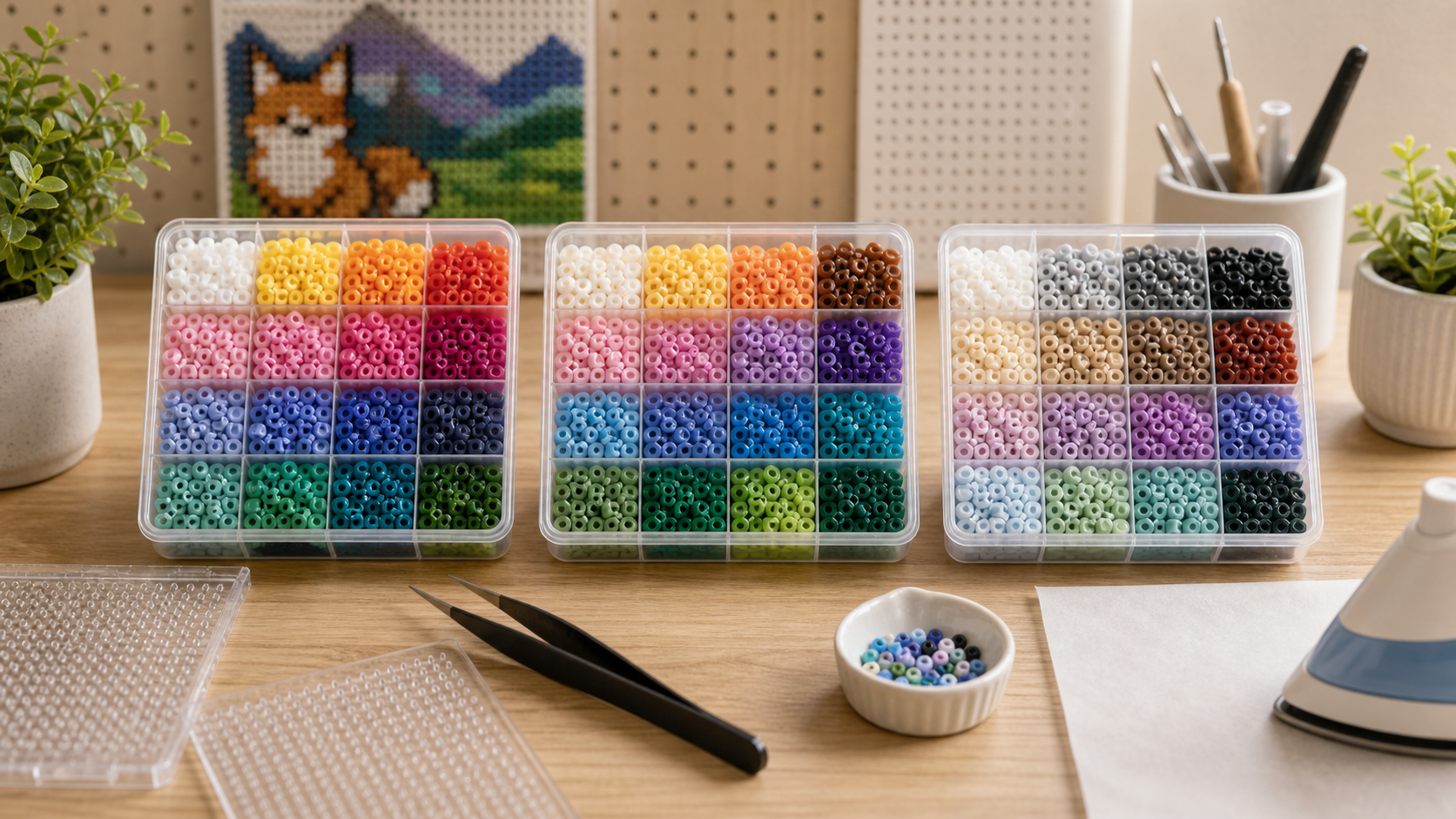
Hama beads, fuse beads, and Perler beads: why the names differ
In North America, many makers say Perler beads. In the UK, New Zealand, and much of Europe, people often say Hama beads or fuse beads. Some shops also use iron beads. These terms overlap, but they do not always mean the exact same brand.
Hama is a familiar search term
Many European makers grew up with Hama Midi or Hama Mini, so “Hama bead patterns” can feel more natural than “Perler patterns.”
Fuse beads is a useful generic term
Retailers may list different brands, so “fuse bead pattern maker” can capture users who do not care which brand name is printed on the tub.
The grid workflow is shared
A good bead pattern maker should help with grid size, color reduction, printable guides, and bead counts regardless of the brand name.
How to turn a photo into a Hama bead pattern
1. Choose a clear image
High-contrast images work best. Pet photos, simple portraits, logos, icons, and cartoon characters usually convert better than busy landscapes. If the image has a cluttered background, crop it first or use the background removal option in the tool.
2. Start with a realistic grid size
For Hama Midi or standard 5 mm fuse beads, a grid between 40 and 80 beads wide is often the sweet spot. Smaller grids are easier to finish but lose detail. Larger grids look better but require more beads, more boards, and more patience.
3. Limit the color count
The most common mistake in photo conversion is keeping too many similar colors. A pattern with 80 tiny color variations may look good on screen but become difficult to buy, sort, and place. For first attempts, keep the palette closer to 24-48 colors.
4. Check the bead count before you start
A printable pattern is only useful if you know the material cost. Before committing, check the bead count by color. If one rare shade needs hundreds of beads, replace it with a more common nearby color.
5. Print the grid and work in sections
Large Hama or fuse bead projects are easier when split into board-sized sections. Print the pattern, mark finished areas, and keep the color list beside your workspace.
Best settings for Hama-friendly photo patterns
Try 50-70 beads wide before jumping into a wall-size project.
A clean silhouette usually beats a detailed background when working with real beads.
Fuse bead art is physical pixel art. Strong shapes matter more than photographic accuracy.
UK and New Zealand makers should check which Hama, Perler, or Artkal colors are easy to restock before starting a large build.
Hama vs Perler vs Artkal for pattern making
For most online pattern planning, the workflow is similar. The difference appears when you buy beads and iron the final piece.
- Hama: strong availability in many European markets; excellent for makers who already own Hama boards and colors.
- Perler: common in North America and supported by many online patterns.
- Artkal: useful for high-color projects, portraits, and photo conversion because of its broader palette.
If you want a deeper brand comparison, read our full Perler vs Hama vs Artkal guide.
Which tool page should you use?
Photo to bead pattern converter
Best when you already have a photo, pet image, portrait, or artwork and want a printable grid.
Pattern maker
Best when you want to create or refine your own fuse bead design with more manual control.
Pattern generator
Best when you want a fast starting point and then want to adjust grid size and colors.
FAQ: Hama bead pattern makers
Can I use a Perler bead pattern maker for Hama beads?
Yes, as long as you treat the result as a bead grid and review the colors against the Hama colors you own. The grid logic is shared, but exact color names and melting behavior may differ.
What is the best image size for a Hama bead photo pattern?
For a first photo project, start around 50-70 beads wide. That gives enough detail for faces and pets without becoming too large to finish.
Should I search for Hama beads or fuse beads?
Use both. “Hama beads” is useful in the UK and Europe, while “fuse beads” is a broader generic term that can catch different brands and retailers.
Can Hama and Perler beads be mixed?
It is safer to avoid mixing brands in one fused piece unless you have tested them. Different beads can soften at different rates, which may cause uneven melting.
Final recommendation
For UK and New Zealand makers, the best search strategy is not only “Perler bead pattern maker.” Also use Hama bead pattern maker, fuse bead pattern maker, and photo to Hama bead pattern. For the actual workflow, start with a clean image, choose a manageable grid, keep colors practical, and use the bead count before buying supplies.